Shared calendar vs virtual meeting assistants
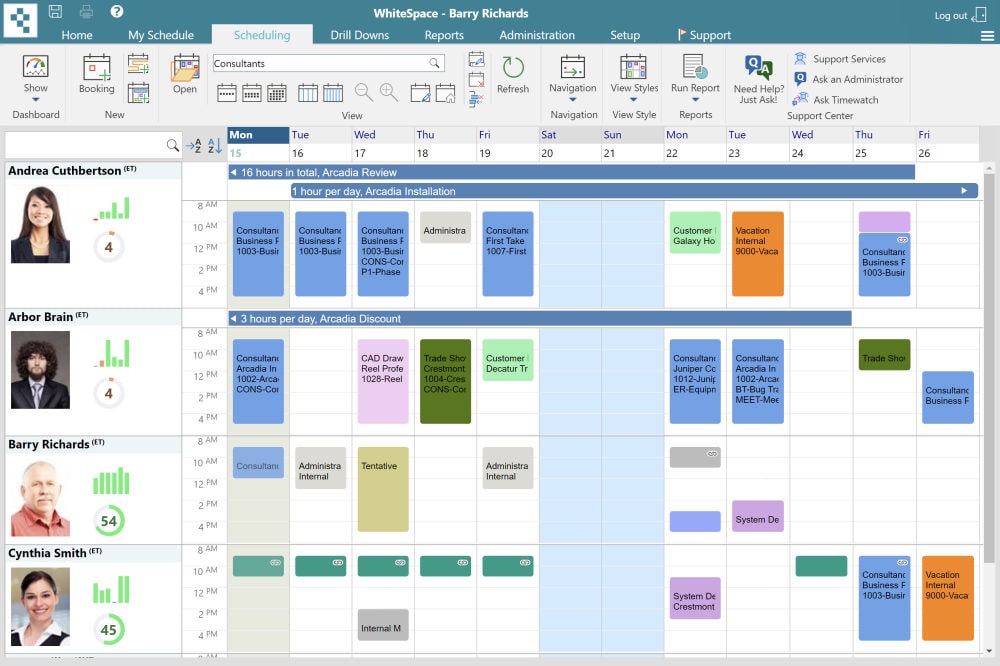
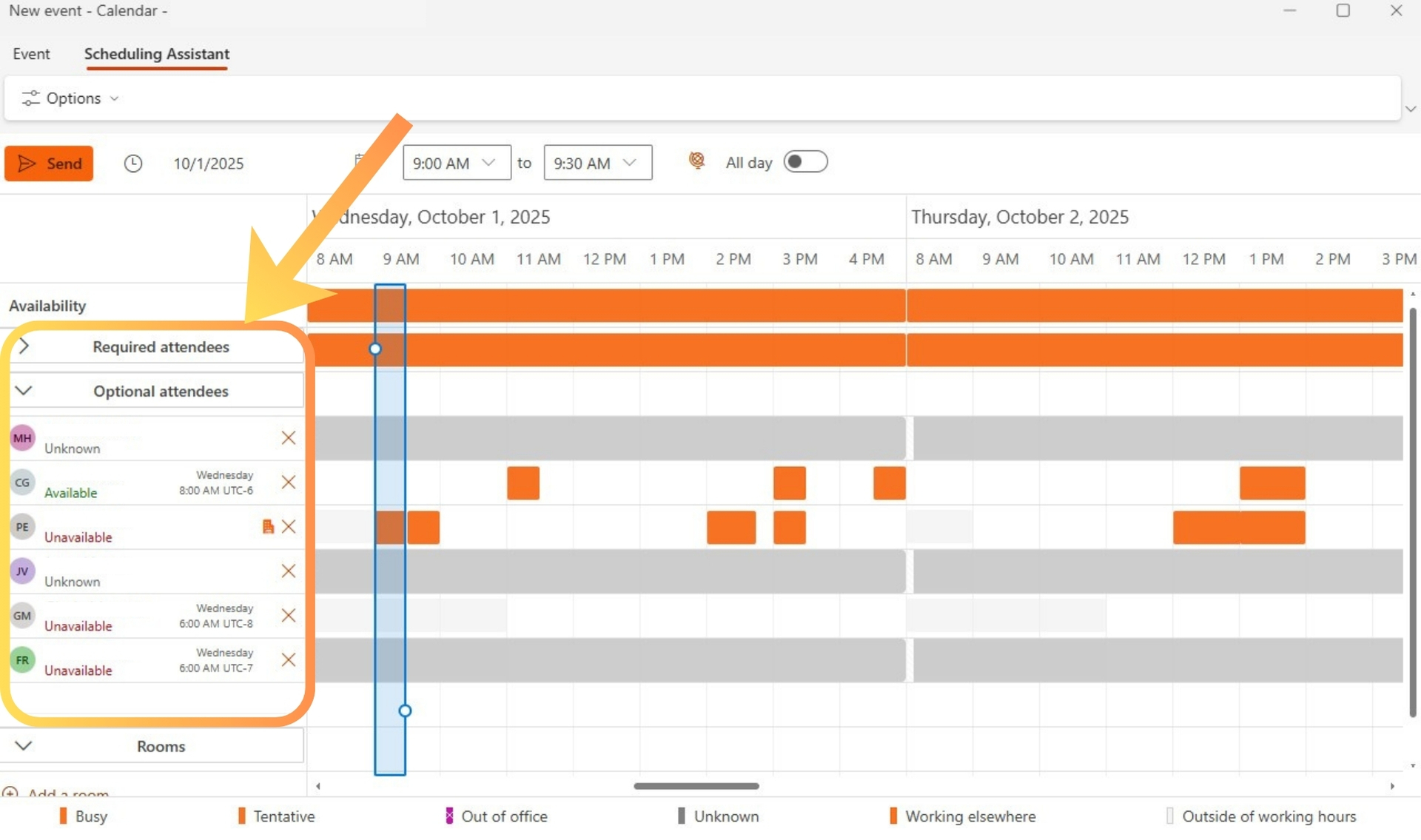
Professionals juggling mixed schedules often compare a shared calendar scheduling assistant with a virtual meeting assistant. The distinction matters because one tool focuses on booking time while the other supports conversations as they unfold. Teams that manage both in-person sessions and remote calls need clarity on which approach reduces friction most effectively. Shared calendar scheduling assistant features excel at preventing double bookings across departments.
In contrast, a virtual meeting assistant like Edisyn tracks live dialogue, flags questions, and suggests replies on the spot. Understanding these roles helps organizations avoid investing in the wrong layer of support for their daily mix of meetings. Consider a project manager coordinating with clients across three time zones: without proactive conflict detection, a single overlooked overlap can cascade into missed deadlines and frustrated stakeholders.
Meanwhile, an online meeting assistant steps in once the video link opens, turning scattered discussion into actionable insights that keep momentum alive.
A shared calendar scheduling assistant prevents conflicts before they occur. A virtual meeting assistant keeps participants sharp once the call starts. Most teams discover that relying on only one type leaves gaps during hybrid workdays. For instance, sales teams often lose hours each week chasing availability while technical support groups struggle to recall earlier decisions made on prior calls. Practical tip: run a two-week audit of your meeting volume to see whether most delays stem from scheduling emails or from forgotten follow-ups during the conversation itself.
Shared Calendar Scheduling Assistant
Real-World Scenarios That Highlight the Difference
Imagine a nonprofit board trying to schedule quarterly reviews while also needing accurate notes from each session. A shared calendar scheduling assistant handles the invites and room bookings automatically, yet leaves the actual discussion unassisted. Adding an online meeting assistant captures commitments in real time so nothing slips through the cracks between meetings. For more context, see edisyn.io. The follow-up piece What to check in meeting assistant outlook before sending invites covers this in more practical detail.
Side-by-Side Comparison
| Feature | Calendar-Centric Assistants | Meeting-Centric Assistants |
|---|---|---|
| Conflict detection | Scans multiple calendars for open slots days ahead and blocks overlapping invites automatically. | Flags double bookings only if participants open the meeting link inside the tool itself. |
| Live session controls | Offers none during the actual call; users must switch apps for notes or summaries. | Delivers real-time transcripts, instant summaries, and suggested answers while the discussion continues. |
| Notification timing | Sends reminders 15 or 30 minutes before events based on preset rules. | Interrupts with alerts only when an important question surfaces or action items need confirmation mid-call. |
| Integration scope | Connects deeply with Outlook, Google Calendar, and resource booking systems across the company. | Links to video platforms such as Zoom and Teams plus note-taking apps used inside active sessions. |
Calendar-centric tools shine when the main pain point is finding mutual availability across large groups. For example, a marketing team of 12 people at a Chicago agency used shared calendar scheduling assistant rules to cut scheduling back-and-forth from 47 emails to three. Meeting-centric tools instead help once the event begins. Sales reps at a Boston software firm rely on live question detection to avoid missing pricing queries during 45-minute demos. Integration depth differs sharply too. A closely related walkthrough, Build your first online scheduling assistant: turn calendar…, picks up where this section ends.
Calendar tools update shared resource lists such as conference rooms or loaner laptops without extra clicks. Meeting tools pull in personal context like a CV or last quarter’s notes to keep responses accurate on the fly. The choice often hinges on whether the bottleneck sits before the meeting or inside it. For the adjacent problem, Outlook 365 scheduling assistant feature map: desktop, New Outlook,… goes deeper into the specifics.
Another practical consideration involves compliance: calendar assistants can enforce mandatory buffer times between meetings to protect focus, while virtual meeting assistants ensure every compliance-related question receives an immediate documented answer during regulated industry calls.
Integration Tips for Maximum Value
Start by connecting your shared calendar scheduling assistant to every department calendar, then layer an online meeting assistant that reads from the same event data. This combination lets the calendar tool block the slot while the meeting tool surfaces relevant documents the moment participants join. Teams that follow this sequence report fewer reschedules and richer post-meeting summaries.
Strengths and Weaknesses
| Category | Advantages | Drawbacks |
|---|---|---|
| Shared calendar scheduling assistant | Reduces no-shows through automated invites and resource checks. Scales easily for recurring team events across time zones. Requires little training because most staff already use calendar apps daily. | Cannot assist once the meeting starts. Misses nuance in conversation flow. Offers no help when unexpected questions arise during the call. |
| Virtual meeting assistant | Keeps users prepared with live cues and follow-up suggestions. Captures decisions and action items without extra note-taking. Adapts to each user’s personal files for context-aware replies. | Depends on stable internet during the session. Adds another window on the screen. Provides less value for purely administrative booking tasks. |
In practice, users often find that calendar tools alone leave them scrambling for answers mid-call. Meeting assistants, on the other hand, sometimes overlook simple availability conflicts that a shared calendar scheduling assistant would have caught days earlier. Hybrid teams therefore test both layers rather than replacing one with the other. For more on live support during interviews see edisyn.io for more context on how these tools integrate with daily workflows. The overlap grows when calendar data feeds directly into meeting intelligence, yet each category still owns distinct moments in the workflow. One legal department discovered that pairing both tools cut preparation time by 35 percent while also improving accuracy of action-item tracking across 80 weekly meetings. A helpful tip: begin with the shared calendar scheduling assistant to establish clean booking habits, then introduce the virtual meeting assistant once calendar conflicts drop below your target threshold.
Choosing Based on Team Size and Meeting Frequency
Smaller teams with fewer than ten meetings per week often gain the most from a shared calendar scheduling assistant because administrative overhead stays low. Larger organizations running dozens of daily calls benefit more from adding a virtual meeting assistant to handle nuance and follow-up in real time. Track your average meeting length and participant count for two weeks to decide the right balance.
Practical Tips
Review the comparison table against your own mix of meeting types. If most friction happens during booking, lean toward a shared calendar scheduling assistant. When the real pressure arrives once the call begins, add a virtual meeting assistant instead. Many organizations run both systems side by side because the tools solve separate problems at different stages. Test one feature set this month, measure time saved, then decide whether the second layer justifies the extra screen space. An online meeting assistant can later complement either setup by surfacing insights that neither calendar nor basic video tools provide on their own. Start small, gather feedback from two or three power users, and expand only after clear time savings appear in your weekly reports.
- Virtual Scheduling Assistants in Distributed Teams
- Connecting Calendars to a Virtual Scheduling Assistant
- Five Essential Capabilities of Online Scheduling Assistants
- Doodle Versus FreeBusy: Selecting an Automated Scheduling Assistant
- Connecting an Assistant to Existing Video Platforms