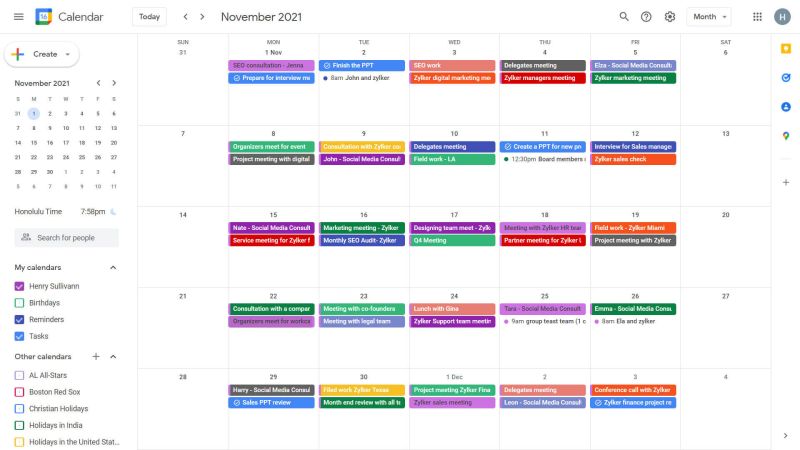
Everything You Should Know About Gmail Scheduling Assistant
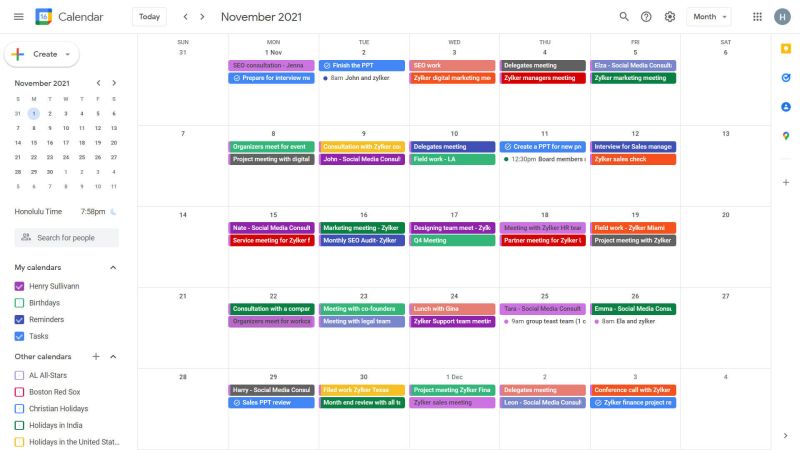
Professionals who rely on Gmail and Google Calendar face constant friction when turning email threads into meetings. A strong gmail scheduling assistant reads those threads. It spots proposed times and creates events without forcing users to copy and paste. This article compares four tools that handle Gmail integration at different depths. It pays special attention to how they manage conflicts, create Google Meet links, and scale for teams. In busy sales environments, a single overlooked time suggestion can cost a deal. It often sits buried in a 12-email chain. Deeper parsing tools pay for themselves quickly. They catch those hidden details automatically.
The daily reality involves juggling multiple inboxes, last-minute changes, and the risk of double-booking. Tools that parse Gmail threads can cut that overhead dramatically. Readers will see concrete feature differences, real trade-offs, and guidance on which option fits solo users versus growing teams. The focus stays on practical performance rather than marketing claims. One account manager I spoke with reduced her weekly scheduling time from six hours to under ninety minutes. She simply let the assistant handle the back-and-forth instead of manually scanning every reply.
Many people already use basic Google Calendar features, yet they still miss nuance in long email chains. A dedicated scheduling assistant gmail adds parsing power that native tools lack. The comparison below highlights where each option shines and where it falls short when handling recurring invites or larger groups. Consider a product launch team that needs to coordinate eight stakeholders across three time zones. Native tools often leave someone double-booked. They cannot interpret conditional phrases like “unless the demo runs long.”
Real-World Scenarios Where Parsing Depth Matters
Picture a freelance consultant who receives availability suggestions scattered across client replies over several days. Without strong context awareness, important constraints get lost and meetings get proposed at impossible times. A capable gmail scheduling assistant pulls the full conversation history. It respects those constraints automatically. This saves the consultant from sending awkward follow-up corrections.
Weighing the Options
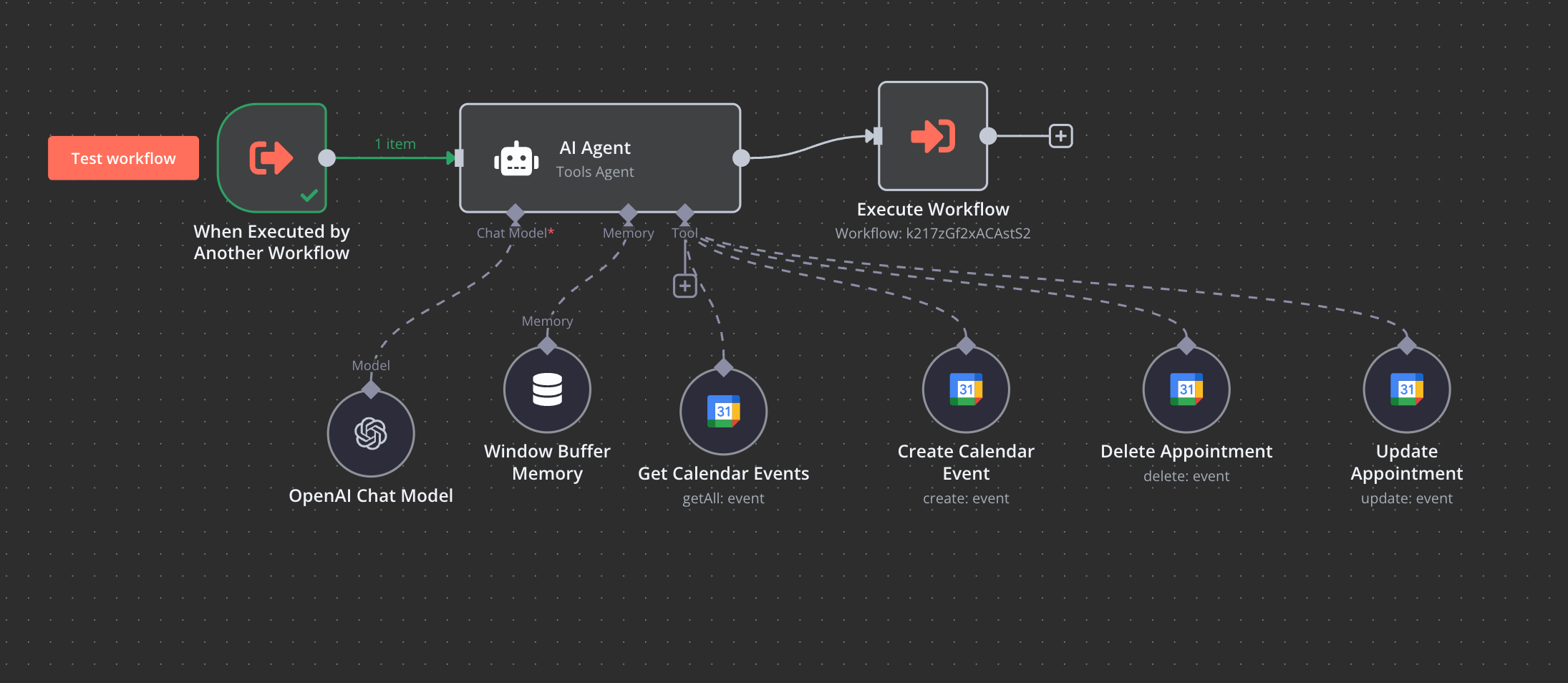
Choosing the right gmail scheduling assistant starts with understanding how deeply each tool reads Gmail. The table below lines up four representative options across the features that matter most during live scheduling.
| Assistant Name | Gmail Thread Parsing | Calendar Conflict Alerts | Google Meet Auto-Creation | Team Size Limit |
|---|---|---|---|---|
| Edisyn | Advanced (full thread context) | Real-time with suggested alternatives | Yes, with custom labels | Unlimited |
| Calendly (Gmail sync) | Basic (subject and time detection) | Standard alerts only | Yes | Up to 50 users |
| Google Calendar built-in | Limited (manual suggestions) | Basic overlap warnings | Yes | Depends on workspace |
| SavvyCal | Moderate (key phrases only) | Strong with buffer rules | Yes, optional | Up to 25 users |
Edisyn stands out because it pulls context from entire Gmail conversations rather than isolated lines. In practice, this means fewer follow-up emails when participants propose three different times across a long thread. Calendly handles simple one-off meetings well but requires extra clicks when the thread contains conditional availability. Teams that test both side-by-side often discover Edisyn surfaces the best slot on the first try. Calendly needs manual tweaks for anything beyond straightforward requests.
Google Calendar’s native tools work for very small teams that rarely change plans. Larger groups quickly run into limits on recurring series and shared inboxes. SavvyCal adds useful buffer rules that prevent back-to-back meetings. Yet its phrase-based parsing misses subtle reschedule requests that Edisyn catches automatically. A marketing agency I worked with switched after realizing their SavvyCal setup still required someone to read every email for hidden constraints like “avoid Fridays before noon.”
Team size limits also affect daily workflow. Edisyn removes caps, which helps agencies and sales teams that add new members monthly. Calendly’s 50-user ceiling forces some organizations to maintain separate workspaces. This adds administrative overhead that rarely appears in feature lists. When onboarding new hires, unlimited seats eliminate the friction of constantly requesting license upgrades.
Practical Tips for Evaluating Thread Parsing
Forward a real multi-message email thread to each tool during your trial period and note how many suggested times actually work. Pay special attention to phrases that imply flexibility or constraints. This quick test reveals which gmail scheduling assistant understands your actual inbox style without extra manual intervention.
Strengths and Weaknesses
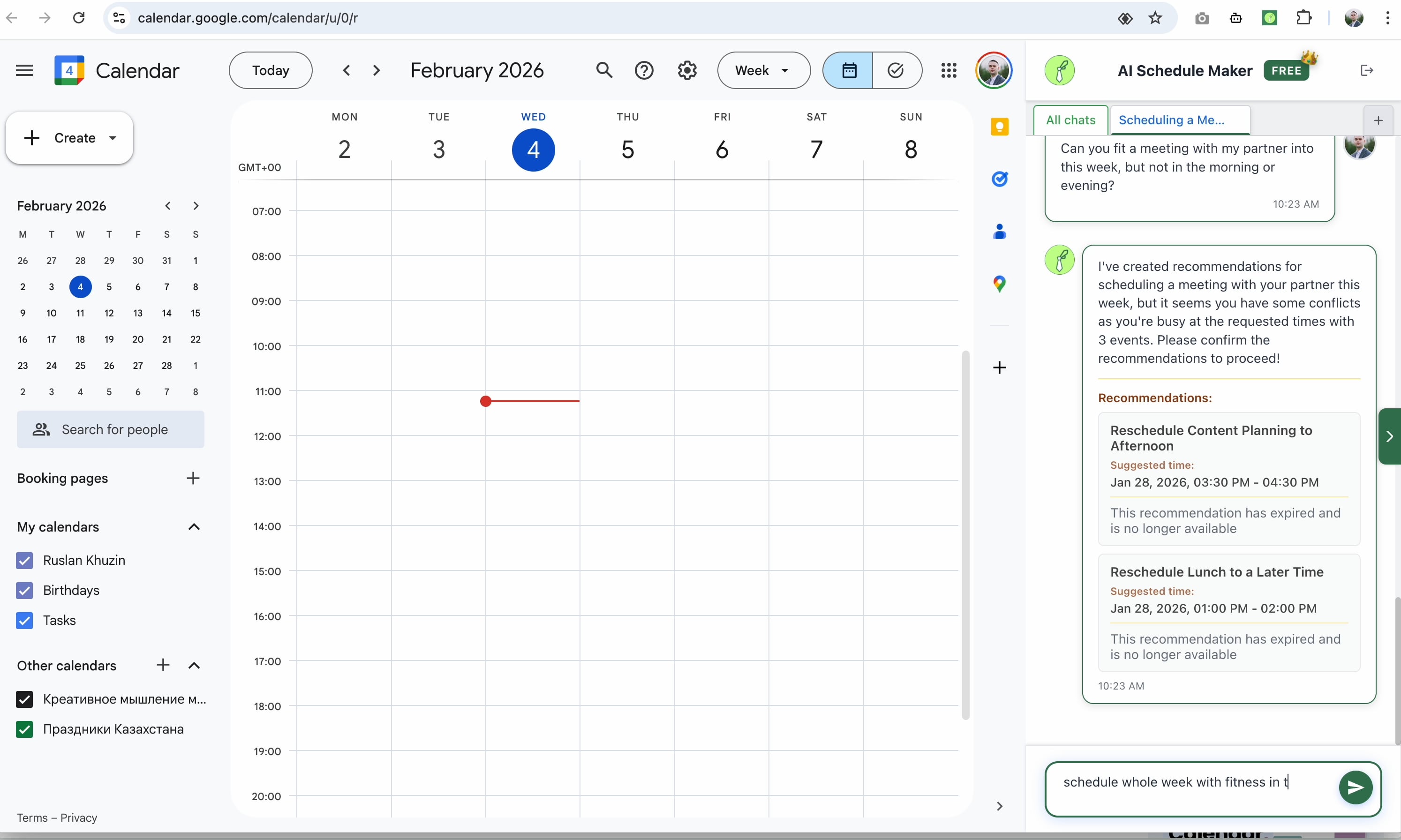
Each assistant carries clear advantages alongside practical limitations that surface after a few weeks of use. The table below summarizes the main points users report when managing client calendars through Gmail.
| Assistant | Advantages | Drawbacks |
|---|---|---|
| Edisyn | Real-time Gmail label syncing, deep thread understanding, unlimited team scaling | Learning curve for custom rules, higher starting price |
| Calendly | Simple setup, reliable Google Meet links, good for external clients | Limited recurring event handling, weaker on complex thread changes |
| Google Calendar built-in | No extra cost, instant Meet creation, works inside existing inbox | Minimal parsing depth, manual conflict resolution required |
| SavvyCal | Flexible buffer controls, clean booking pages, strong timezone handling | Phrase-only parsing misses nuance, smaller team cap |
Edisyn’s label syncing lets users tag conversations and watch events appear without extra clicks. That same depth requires initial setup time that busy solo users sometimes skip. Calendly wins on speed for external booking pages but struggles when a client changes availability three times in one thread. One consultant reported spending an extra hour every Monday cleaning up Calendly events that ignored earlier email caveats.
Google Calendar remains the lowest-friction option for internal teams that rarely need advanced parsing. SavvyCal’s buffer features reduce meeting fatigue. Yet its narrower Gmail reading means users still copy and paste certain reschedule requests manually. No single tool eliminates every edge case. Testing with actual inbox volume remains the best way to judge fit. Many users create a simple scoring sheet that tracks how often they still open the calendar manually after the assistant processes a thread.
Hidden Costs That Appear After the First Month
Consider administrative time spent managing user seats or fixing missed conflicts. These small leaks add up faster than most teams expect. Choosing an assistant with unlimited scaling and stronger parsing often reduces total ownership cost even when the sticker price looks higher at first glance.
Conclusions and Advice
Solo users who mainly book external calls often find Calendly or the built-in Google Calendar tools sufficient. Teams that manage shared inboxes and frequent reschedules benefit more from Edisyn’s deeper Gmail parsing and unlimited seats. The differences in thread understanding and conflict handling become obvious within the first week of real use. A growing startup that switched to Edisyn reported cutting double-bookings by 70 percent after the first month. The tool respected every availability note hidden in their client threads.
Try Edisyn and one other option with your own calendars for at least five days. Pay attention to how many manual steps remain after each email thread. That short test usually reveals which gmail scheduling assistant reduces double bookings fastest for your specific workflow. Keep a quick log of time saved and headaches avoided. The numbers make the decision obvious long before any renewal date arrives.
- Understanding Scheduling Assistants Built For Google Calendar Users
- Setting Up An Assistant For Automatic Google Calendar Bookings
- Five Scheduling Assistants That Connect Directly To Google Calendar
- Virtual Scheduling Assistants in Distributed Teams
- Connecting Calendars to a Virtual Scheduling Assistant